Move and resize objects in a photo with Qwen-Image 2.1

Linoy TsabanSep 2552 likes on WebWeek 47 final: #10

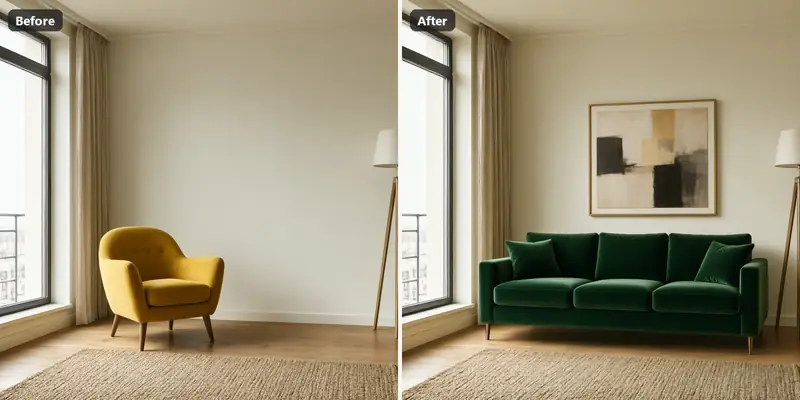
A Space where you drag a box to move or resize an object in a photo and Qwen-Image 2.1 Turbo redraws the scene to match, with no LoRA needed. It turns the model's editing into a direct-manipulation tool.
Preview of Move and resize objects in a photo with Qwen-Image 2.1
See all
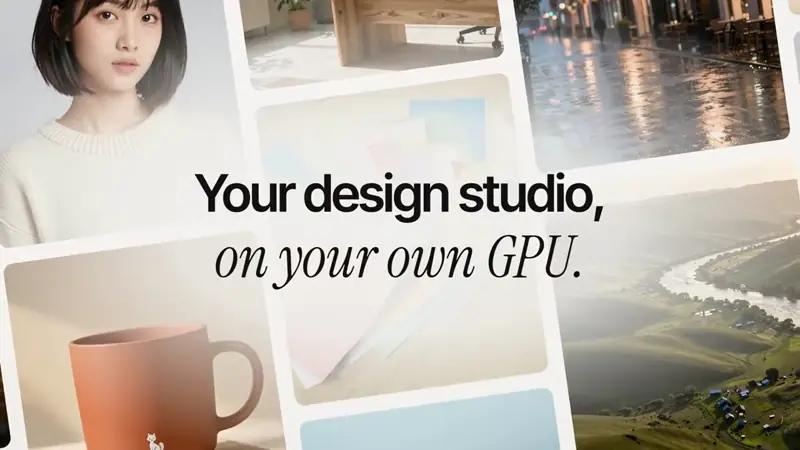
  1. A free, open-source desktop editor where you brush an area, type the change and get the edit locally, built as an alternative to Nano Banana and Generative Fill. One installer sets up Qwen-Image 2.1 for your hardware, and it ships an MCP server for agents.

  2. An infinite tldraw canvas with a design agent that runs every image, video, audio and 3D tool on your own ComfyUI, with no account or credits. Qwen Image 2.1 powers its generate, quick-edit, text-edit, outpaint and camera-angle tools.

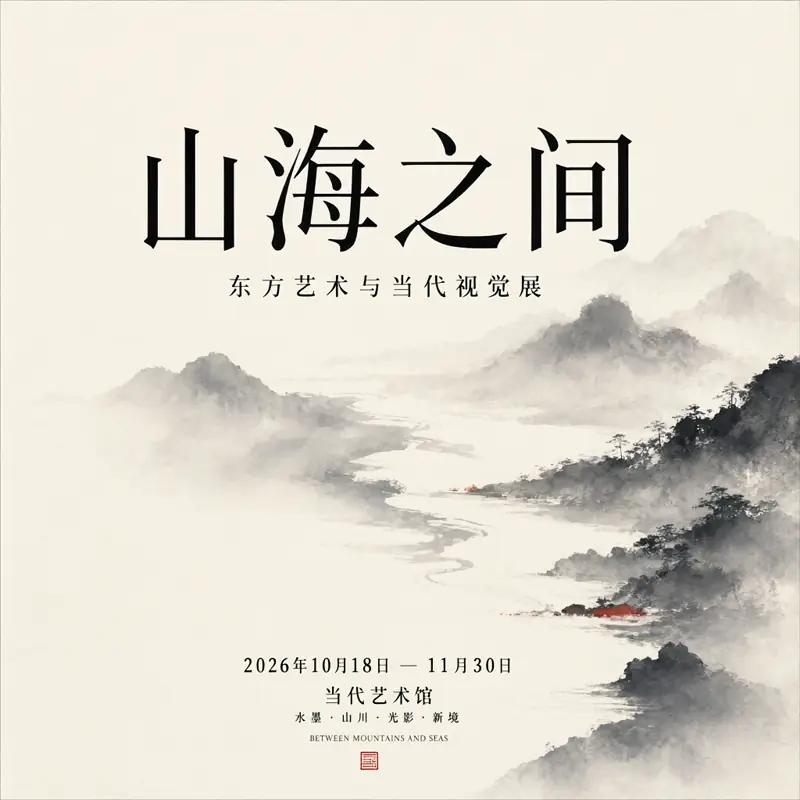
  3. A from-scratch ncnn port of Qwen-Image-2.1 that runs text-to-image, editing, multi-reference input and transparent RGBA output on Vulkan, so it works on AMD, Intel and mobile GPUs without PyTorch. It comes from the author of ncnn and includes sample renders.

    nihuiGitHub324 stars
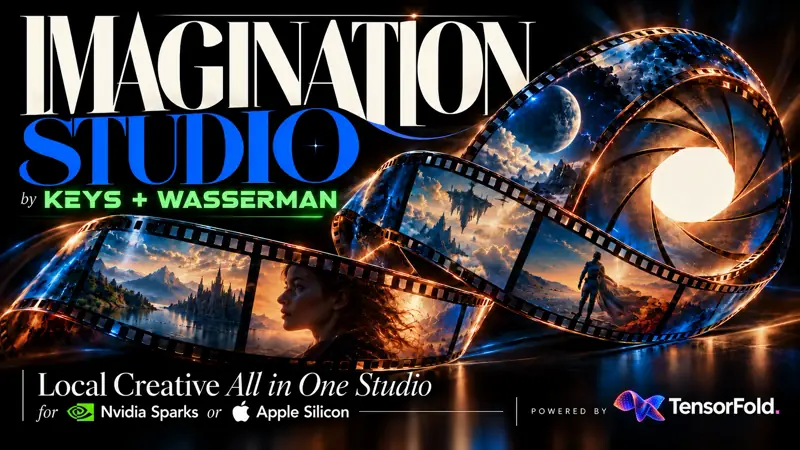
  4. A film-planning studio that walks you through a crew-style workflow, renders stills with Qwen-Image-2.1 (Turbo) and turns them into video with sound using MiniMax H3. Everything runs on your own Mac or DGX Spark.

    keysGitHub210 stars

The Monday email

  • The week's best AI builds and who made them
  • New model releases and what people built with them
  • No spam. One click to leave.

Sign in once and you're on the list.