Sam Altman
@sama · Oct 2
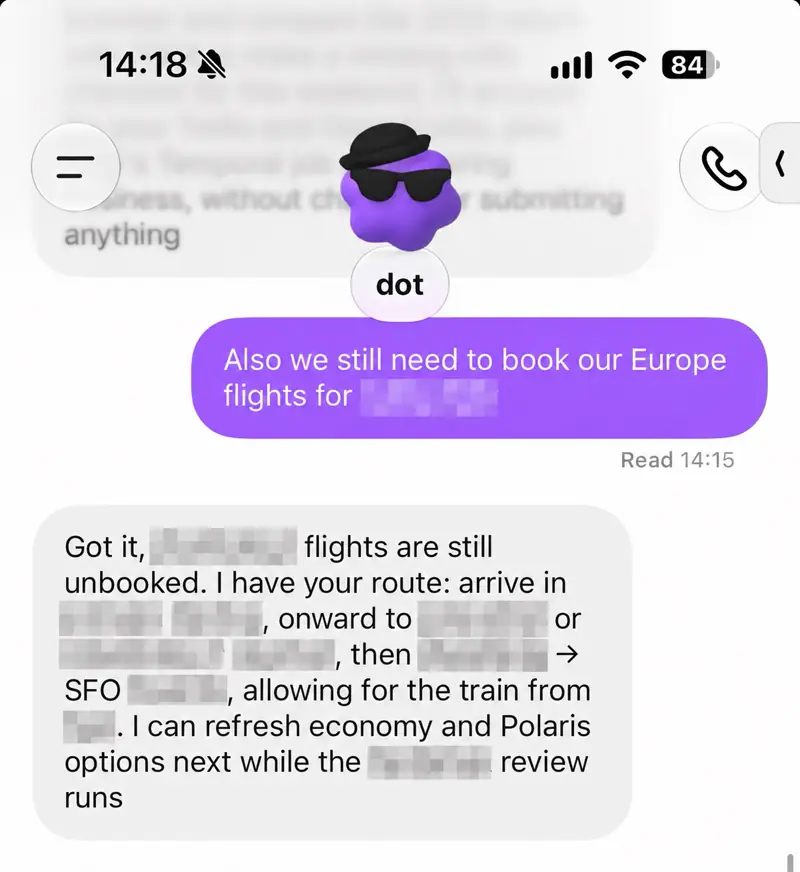
OpenAI's CEO says his dot is his favourite OpenAI product because it learns his workflow and style daily and takes on the chores that pile up as a gravity well of dread. A first-hand look at how a heavy user delegates.
OpenAI· Released Sep 29
Sam Altman
@sama · Oct 2
OpenAI's CEO says his dot is his favourite OpenAI product because it learns his workflow and style daily and takes on the chores that pile up as a gravity well of dread. A first-hand look at how a heavy user delegates.
Paul J Lipsky
youtube.com · Oct 5
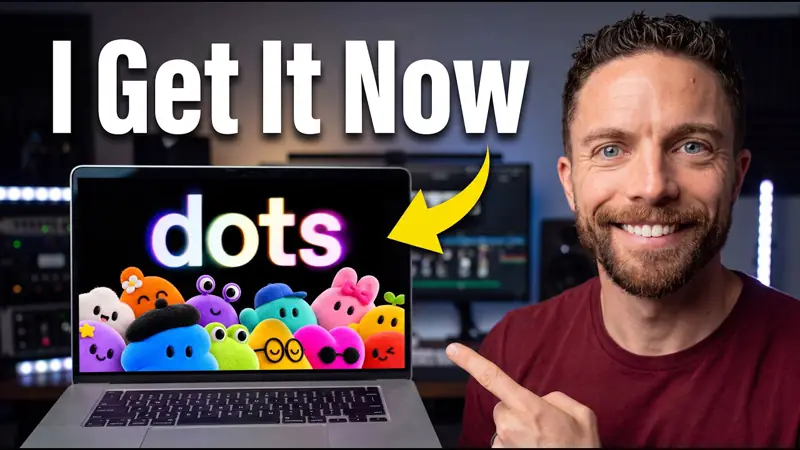
Explains the mental model that makes dots useful, treating one as a standing teammate with its own computer rather than a chatbot.

Tibo
@thsottiaux · Oct 4
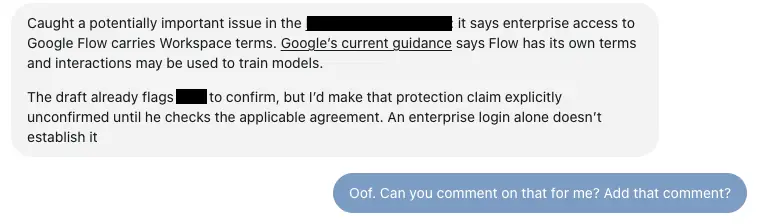
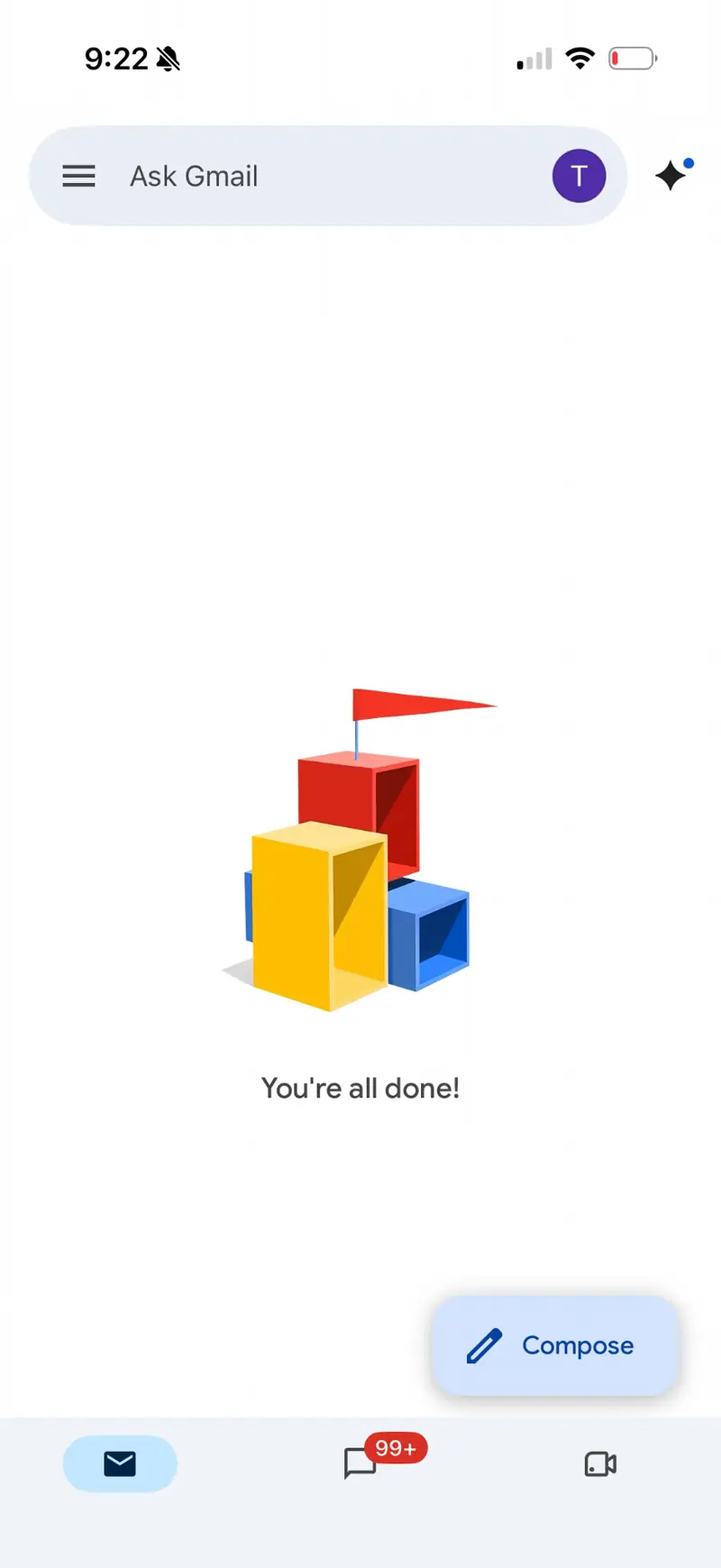
Tibo Sottiaux set inbox zero as an active goal for his dot and, for the first time in his life, got there. A simple example of giving an always-on agent a standing objective instead of a one-off prompt.
Futurepedia
youtube.com · Sep 30
Futurepedia tries a dot as a personal assistant agent, showing email, browsing and scheduling jobs end to end.
Skill Leap AI
youtube.com · Oct 1
Skill Leap AI walks through the dots interface, connectors and first tasks, framed as the biggest ChatGPT update yet.
Every
youtube.com · Oct 2
Every interviews on how a dot is used to run both OpenAI work and personal life, with concrete routines shown.
The AI Advantage
youtube.com · Oct 2
Diary-style video of the first 24 hours with a dot, including setup choices, tasks delegated and surprises.
Chase AI
youtube.com · Oct 1
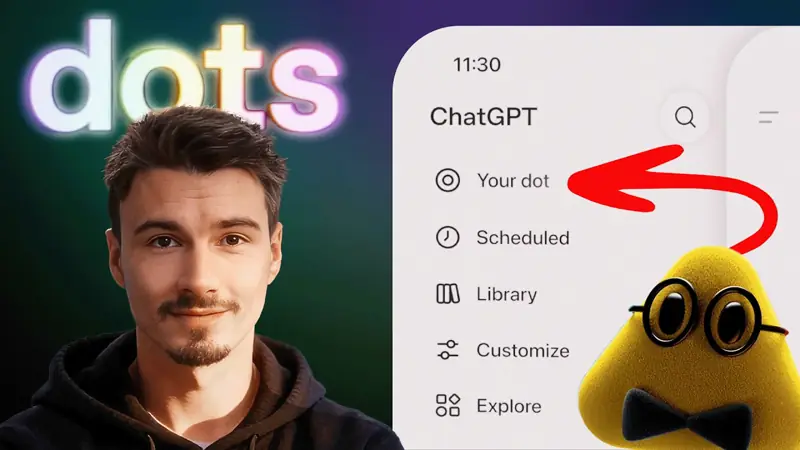
Early-access walkthrough covering setup, connected apps and the kinds of recurring jobs a dot handles best.
The AI Advantage
youtube.com · Oct 3
Four-minute primer on setting up a dot and the first few automations worth trying.

Peter Yang
youtube.com · Sep 30
Peter Yang gives a product manager's tour of dots with practical setup tips and where it fits in a workflow.

Sharbel A.
youtube.com · Oct 1
Candid breakdown of what dots actually do versus the launch hype, aimed at people deciding whether to pay for it.

Pat Simmons
youtube.com · Oct 2
Pat Simmons shows an easy path to a first working agent with a dot, step by step with no prior setup.

How I AI
youtube.com · Oct 1
How I AI podcast demos DevDay products including dots and spaces, with hands-on workflows.
Eric Michaud
youtube.com · Oct 4
Creator runs a batch of everyday tasks through a dot and reports which succeeded, which failed and what to avoid.

Riley Brown
@rileybrown · Oct 1
Riley Brown called his ChatGPT dot for 45 minutes with his phone in his pocket and cleared the day's email and Slack tasks by voice. He used it as a hands-free chief of staff and is documenting the lessons for a video.

Antonio Leiva
@antonioleivag · Sep 29
Antonio Leiva explains in Spanish how he used his always-on dot since the Friday before launch, connecting email and calendar and letting it propose work unprompted. A practical walkthrough of a real setup.
Matt Maher
youtube.com · Oct 6
Hands-on impressions of living with a dot day to day, covering where it feels like a real assistant and where it still stumbles.
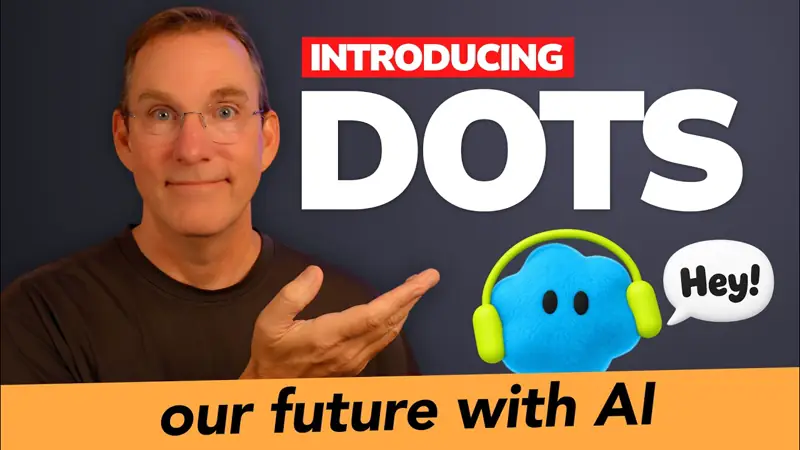

Vox
@Voxyz_ai · Oct 3
Vox (@Voxyz_ai) switched to dots as his primary agent, praising the iMessage-style interface and desktop voice conversation that feels like talking to a person, and details the bugs he hit. A hands-on usage report.
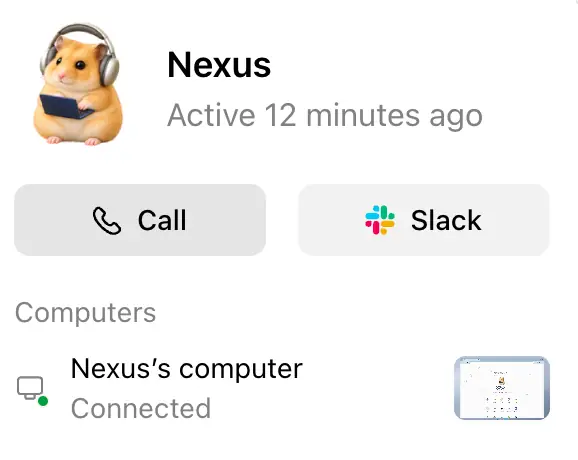
Riley Brown
@rileybrown · Oct 1
Riley Brown spent a full day working through his dot, praising the voice experience and listing concrete gaps such as a better view of the Codex threads it spins up. A candid field report of what a daily dot setup feels like.
Turing Post TV
youtube.com · Oct 2
Turing Post tries handing a growing list of personal and work tasks to a dot to see where delegation breaks.
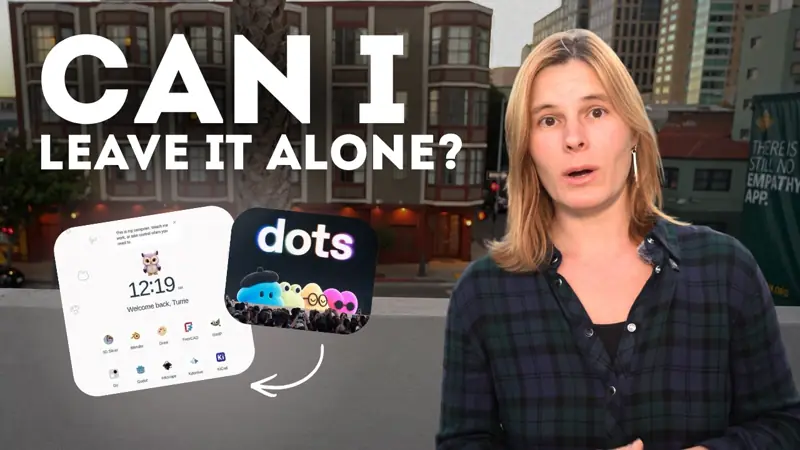
Prof. Ryan Ahmed
youtube.com · Oct 3
Professor Ryan Ahmed tests a dot on assorted tasks and summarises what it handled well.
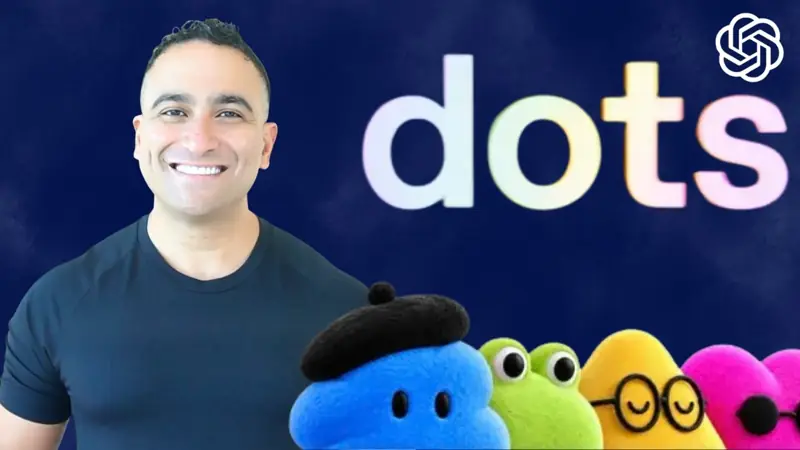

Derrick Choi
@derrickcchoi · Sep 29
Derrick Choi, Codex APAC lead at OpenAI, describes his dot as basically an extension of himself that is available around the clock, posted with the launch-day demo video.